Typing Skills & Productivity
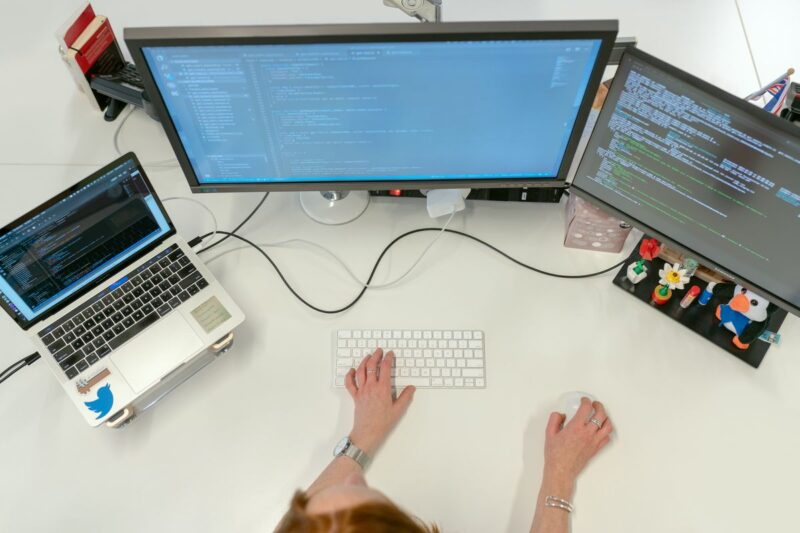
About Course
Typing quickly and accurately, without looking at the keyboard, saves enormous time over a lifetime of computer use — and good digital productivity habits multiply that benefit further. This course teaches proper touch typing technique, builds speed and accuracy, and covers practical productivity habits and keyboard shortcuts.
No prior typing training is required. By the end, you will type more efficiently and manage your digital work more productively.
The first four weeks build core technique; the applied modules that follow, sustained speed, productivity tools, and building a lasting habit, are self-paced and typically carry most learners into their second and third month.
Course Content
Week 1: Touch Typing Fundamentals
-
What Is Touch Typing?
00:00 -
Which Finger Types Which Key
-
Posture and Ergonomics
-
Week 1 Knowledge Check: Touch Typing Fundamentals
-
Week 1 Assignment: Home Row and Posture Practice